How to organize photos on a Mac without losing the ones that matter.
Most families do not need a perfect filing system. They need a way to find the people, years, trips, and memories they care about. That is the organizing problem Cherish is built around.
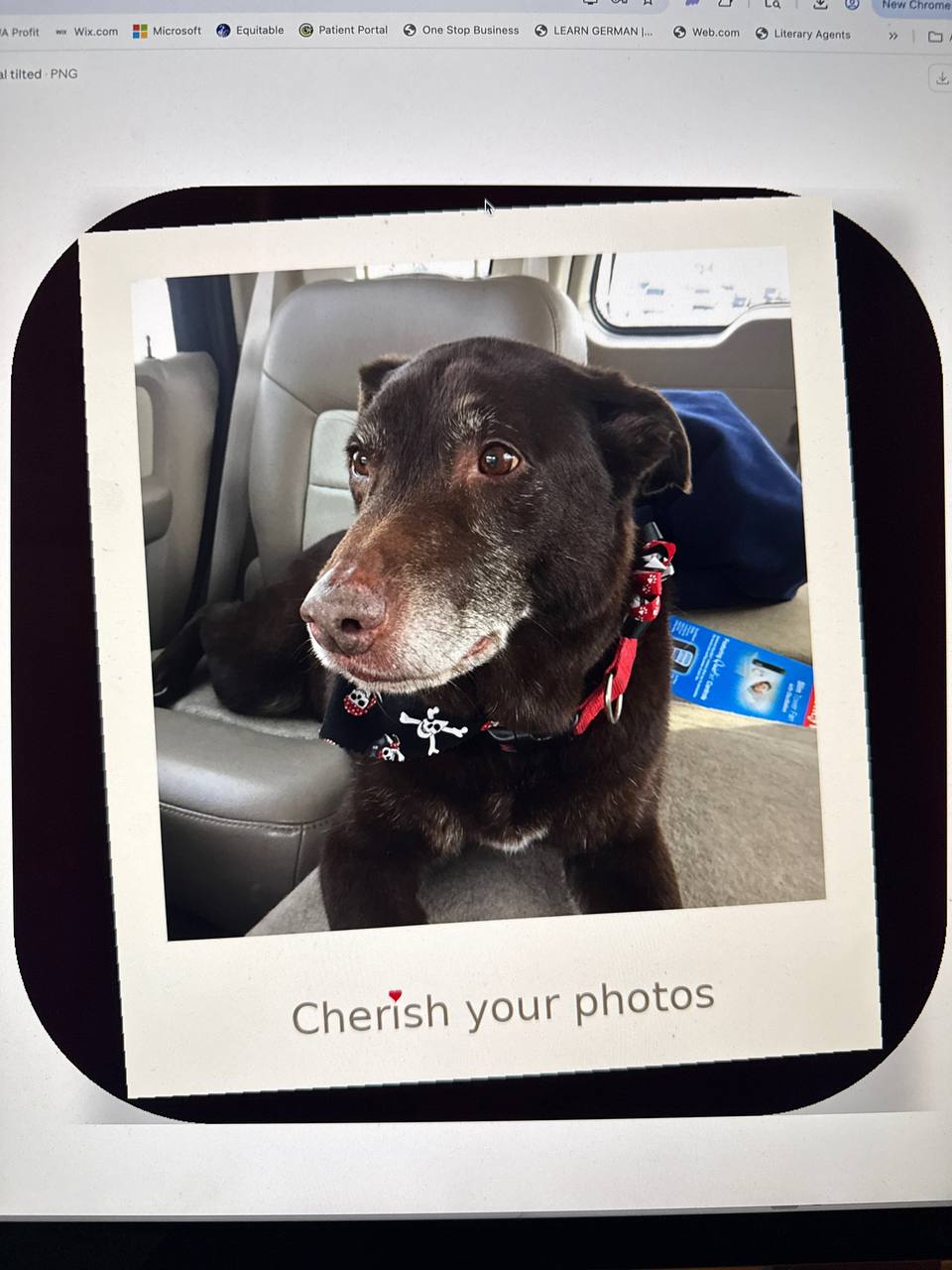
The short version: organize around how you remember your life. Start with people, then years and trips. Do not begin by trying to manually sort every photo in Finder.
Why organizing photos on Mac feels hard
Your Photos library is probably a mix of family memories, screenshots, receipts, videos, duplicates, pets, holidays, school events, and everyday moments. The important photos are in there, but they are buried inside years of camera-roll noise.
That is why many people search for ways to organize photos on Mac, organize photos by date, organize photos in Finder, or find a better Mac photo organizer. The real problem is not storage. It is finding the photos that matter when you need them.
A practical Mac photo organizing plan
1. Start with people
Family photos become useful when you can find the people in them. Parents, grandparents, kids, close friends, and pets are usually the best first organizing layer.
2. Add years and trips
Dates give your library structure. Trips and events give it meaning. A useful system should help you find "Dad in 2019" or "the beach trip with the kids" without endless scrolling.
3. Save your results locally
If you spend time teaching names and confirming people, that work should be saved on your Mac. Cherish is built around preserving that effort instead of making you start over after an update.
4. Export what you want to keep forever
A family archive should be readable outside one app. Exporting organized folders to a drive you own gives your family a practical way to preserve important photos long term.
Where Cherish fits
Cherish is a private Mac photo organizer for families. It helps you teach the people and pets you care about, search by person, year, trip, or memory, and keep your saved search results on your Mac.
It is not trying to replace every feature of Apple Photos, iCloud Photos, or Google Photos. Cherish is focused on the part families struggle with most: finding and preserving the memories that matter without uploading the whole library to cloud AI.
Common photo organization questions
This guide is the hub for the practical questions families ask when they are trying to make years of Mac photos useful again.
Does Cherish replace Apple Photos?
No. Cherish enhances Apple Photos with private organization, saved search work, local storage, and readable archives.
Is there a private face recognition photo app for Mac?
Yes. Cherish helps families find people and pets with on-device face recognition on Mac.
How do I use iCloud Photos but still keep a local backup?
Use iCloud Photos for convenience, Cherish for organization, and an SSD vault for a local copy you control.
How do I back up family photos to an external drive?
Organize the important photos first, then export readable folders to your own drive.
How do I organize photos by person?
Start with the people and pets that matter most, then search and preserve results around your real family story.
Frequently asked questions
How do I organize photos on a Mac?
Start with people, years, trips, and important events. That is usually more useful than manually dragging thousands of files into folders.
Can I organize Mac photos by person?
Yes. Apple Photos has people features, and Cherish adds a private family-focused workflow for teaching, finding, and preserving the people who matter.
Should I organize photos in Finder?
Finder folders are useful for exported archives, but they are a hard place to start if your photo library is huge. It is usually better to identify people and meaningful groups first, then export organized folders when you are ready.
Can I use Cherish with Apple Photos and iCloud Photos?
Yes. Cherish is designed as a companion to Apple Photos and iCloud Photos, adding private organization and local archives without replacing the Apple experience.
Organize the photos your family actually looks for.
Cherish is coming to the Mac App Store. Start with people, search privately, and preserve the memories you never want to lose.
Get notified at launch